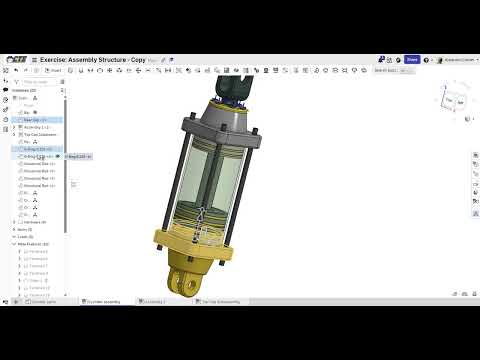
An Assembly is the workspace where separate parts come together: every motor, bracket, shaft and gear placed where it belongs relative to everything else. The links between parts are called mates.
Watch every lesson, pass the knowledge checks, then build all three exercises.
A mate says how two parts connect and how they can move. A fastened mate locks them together, like a bolt. A revolute mate lets one spin around an axis, like a hinge or an axle. Picking the right mate is what makes a virtual assembly behave like the real thing.
Onshape highlights mate connectors as you hover. If a part jumps to a strange place, you probably picked a face instead of the axis you meant. Press Ctrl+Z and pick again.
Exercises
Build each one yourself first. Open the walkthrough only when you're really stuck.
Start an assemblyWalkthrough

Pneumatic cylinderWalkthrough

Assembly structureWalkthrough