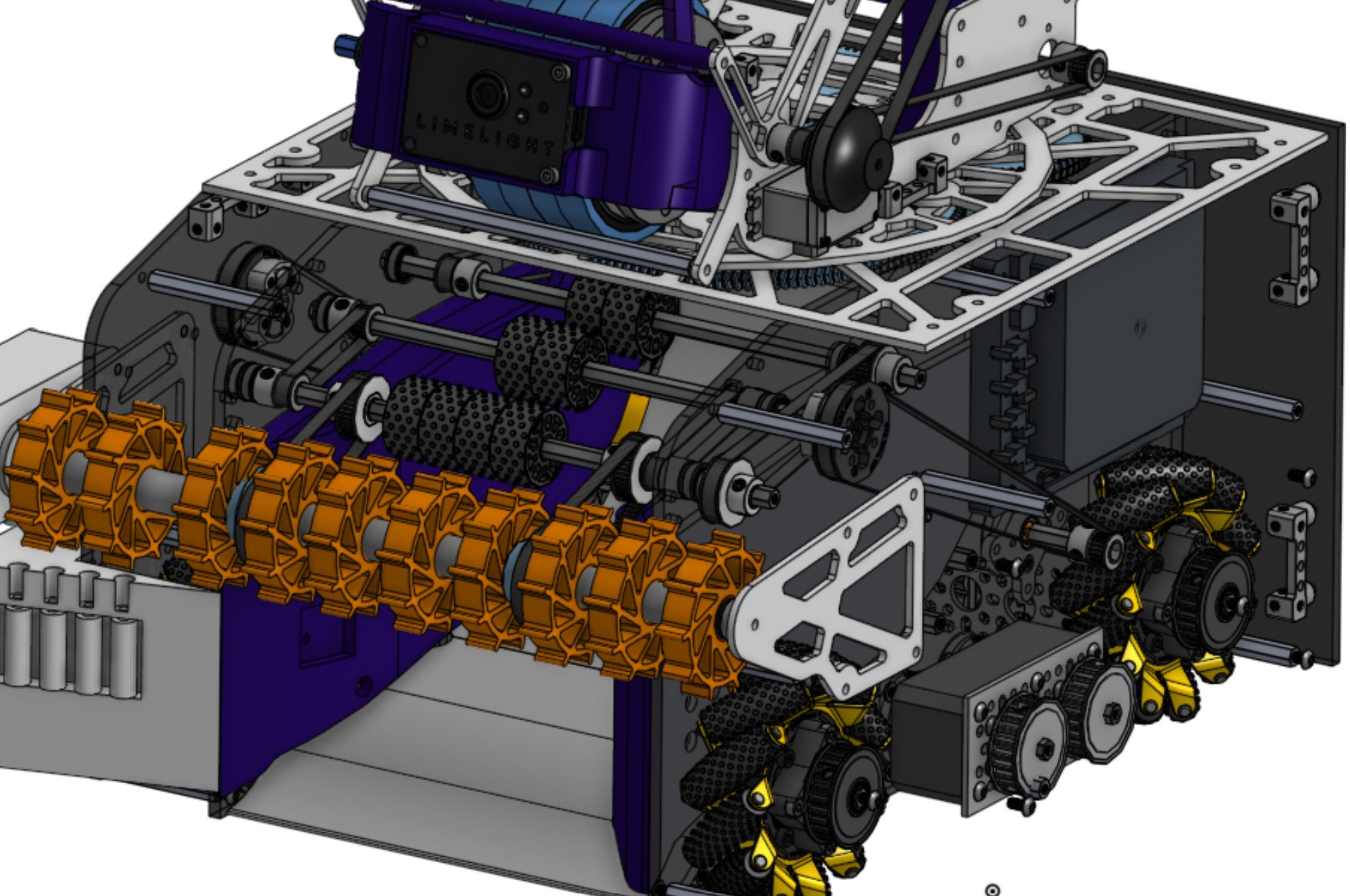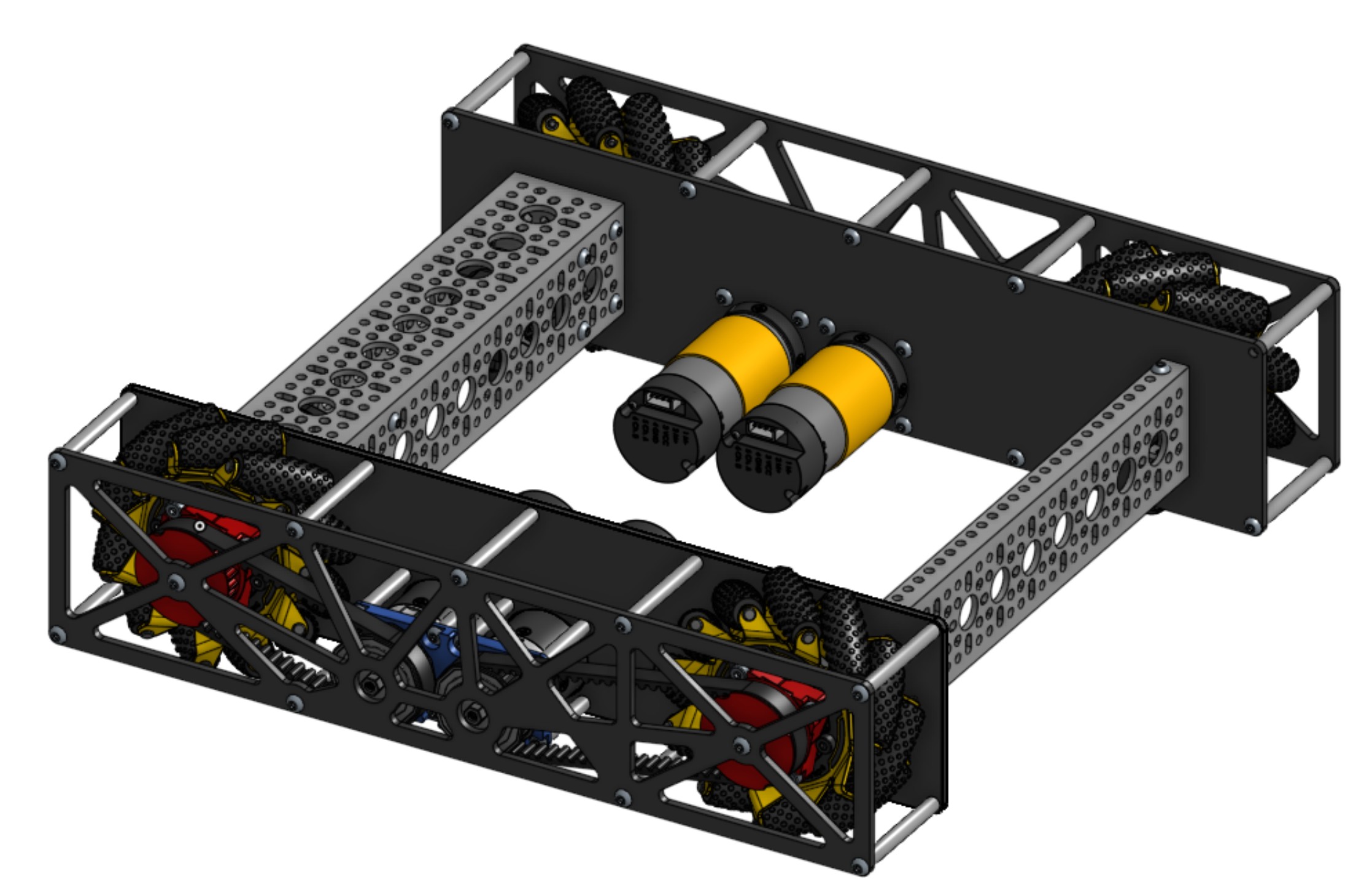
Many competitive FTC teams use parallel plate drivetrains, and they make a solid base for designing your own robot. You'll create new parts, modify existing ones, and put together a much bigger assembly than before. It won't go perfectly the first time. Getting stuck and working your way out is the point of the exercise.
Before you start: the FTC parts library
You need standard FTC hardware (motors, wheels, bearings, channel) to drop into your assembly. There are two ways to get it:
- FTC Insert Tool (easiest). Add it from the Onshape App Store: FTC Insert Tool.
- Request library access. Follow the steps at ftconshape.com and email for access to the full FTC parts library.
The tutorial
- Make a new Onshape document in your training folder. See Lesson 01 if you can't find it.
- Watch one section of the video, switch to Onshape and build that part, then come back for the next section. Don't watch the whole thing first.
- Keep going until the whole drivetrain is built.
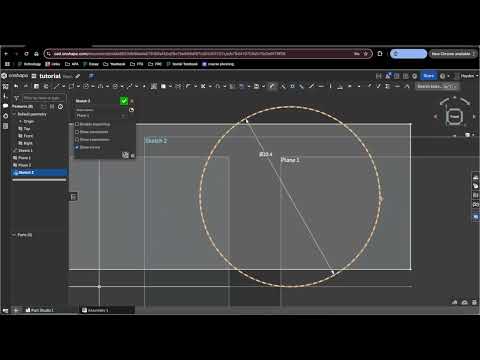 Parallel plate drivetrain · Renert Robotics
Where this is heading
Once you can build and change a drivetrain in CAD, you have the core skills to design real mechanisms. The base you build here can be adapted for our robot. Below is a full competition robot designed entirely in CAD, with every bracket, shaft, wheel and mechanism modeled before a single part was ordered.